For developers
Build and experiment with Google Cloud services locally.
 LocalCloud Home
 Cloud for agents
Cloud for agents
localcloud is cloud for agents for developers, platform/DevOps engineers and teams running CI, plus AI coding agent users. Individuals, teams, nonprofits, and companies can build and test with 25 Google Cloud services on localhost in one Docker container, without a GCP account, credentials or billing. Free during the public preview.
LocalCloud runs Google Cloud-compatible services locally for development, integration tests, and CI. Connect your existing SDKs through local endpoints, or use the LocalCloud MCP server. No Google Cloud account or credentials are required for local workflows.
localcloud is cloud for agents for developers, platform/DevOps engineers and teams running CI, plus AI coding agent users. Individuals, teams, nonprofits, and companies can build and test with 25 Google Cloud services on localhost in one Docker container, without a GCP account, credentials or billing. Free during the public preview.
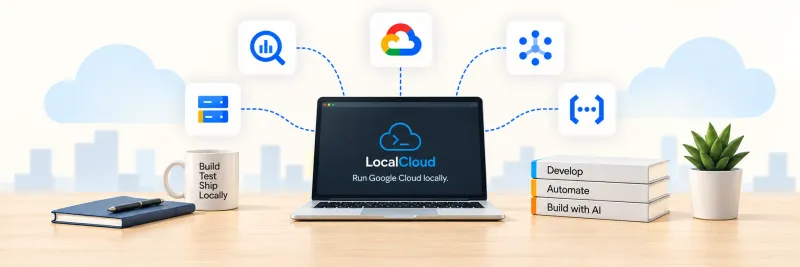
localcloud is cloud for agents for developers, platform/DevOps engineers and teams running CI, plus AI coding agent users. Individuals, teams, nonprofits, and companies can build and test with 25 Google Cloud services on localhost in one Docker container, without a GCP account, credentials or billing. Free during the public preview.
brew install LocalGCloud/tap/localcloudlc doctor
lc start --local-onlyFree for OSS developers. No account or license key required. OSS terms
No account or license key. Free during the public preview, and free for open-source projects after it. CLI releases are Sigstore-signed with SHA-256 checksums.
Inspect the repository and its existing agent instructions. Identify the Google Cloud services, client libraries, and tests it uses, then choose the matching service guides before changing application logic.
Read the agent instructions. Merge relevant AGENTS.md guidance into existing repository instructions; preserve the project's own rules.
Requires Docker running and the latest LocalCloud CLI. Install the CLI once with curl -fsSL https://local.cloud/install.sh | sh, or follow the setup guide. Skip installation when localcloud --version already works. If the installer prints a source command, run it before continuing. Setup guide
For a new example directory, save this as localcloud.yaml before starting. In an existing repository, merge the relevant settings into its configuration. This example selects BigQuery, Cloud Storage, and Pub/Sub; adapt the exact service IDs to your project.
version: 1
context:
  project: local-gcp-project
services:
  enabled:
    - bigquery
    - gcs
    - pubsub
Expected result: The configuration includes every service your application needs. Firestore, GKE, and Cloud Run are opt-in.
Run from the configured directory. Start waits for readiness and can reuse the matching runtime. Export its actual mapped endpoints in the same shell or test runner that launches your SDK; do not assume the default ports are available.
localcloud doctor
localcloud start --local-only
eval "$(localcloud env)"
Expected result: Startup succeeds and the SDK environment points to the selected local runtime. Inspect localcloud status --verbose if startup or endpoint discovery fails.
Python · BigQuery. Install the client in an isolated environment, save this file, then execute a constant query through the generated local endpoint. This verifies SDK routing without creating persistent resources.
python3 -m venv .venv
source .venv/bin/activate
python -m pip install google-cloud-bigquery# First export endpoints: eval "$(localcloud env)"
import os
from google.auth.credentials import AnonymousCredentials
from google.cloud import bigquery
with bigquery.Client(
project=os.environ["GOOGLE_CLOUD_PROJECT"],
credentials=AnonymousCredentials(),
client_options={"api_endpoint": os.environ["BIGQUERY_EMULATOR_HOST"]},
) as client:
rows = list(client.query("SELECT 1 AS ok").result(timeout=30))
assert rows[0].ok == 1
print("ok=1")python assert_query.pyExpected result: The assertion passes, the command prints ok=1, and no test resources need cleanup.
Use LocalCloud for development, tests, and CI. If Docker or LocalCloud is unavailable, report the blocker instead of switching to real Google Cloud. Validate production endpoints, authentication, IAM, quotas, and regional behavior against Google Cloud before release.
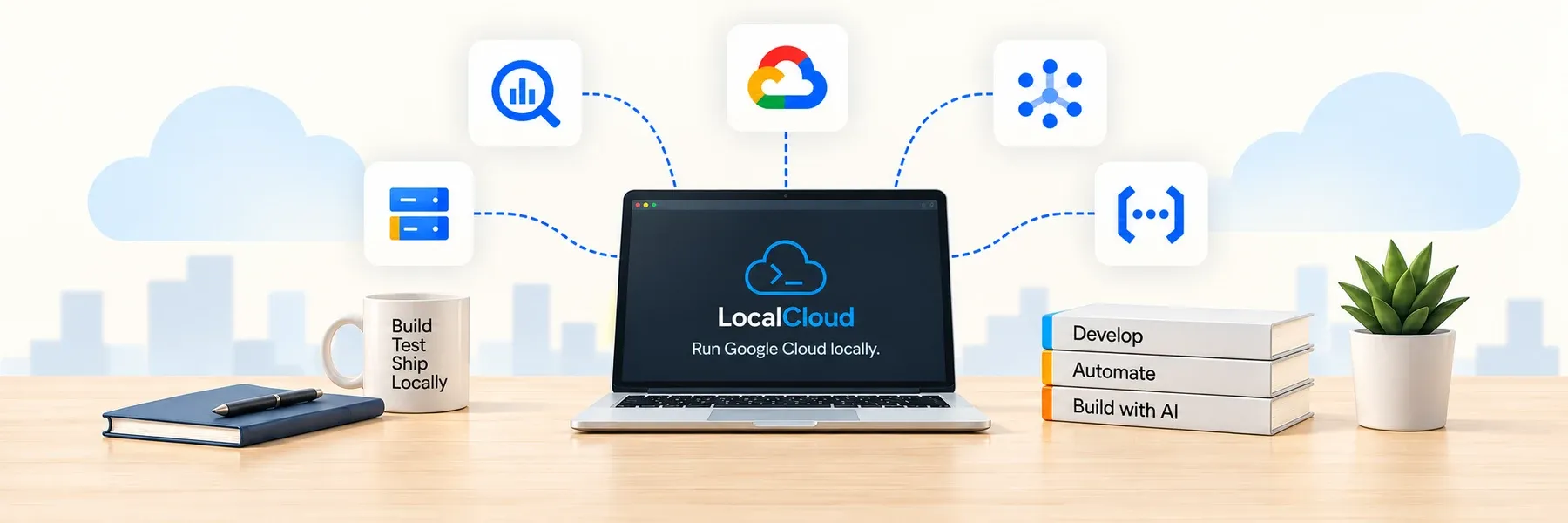
Build and experiment with Google Cloud services locally.

Fast, repeatable environments in your pipelines.

Give your coding agents a local cloud to work with.
Build and experiment with Google Cloud services locally.
Fast, repeatable environments in your pipelines.
Give your coding agents a local cloud to work with.
Ready to try it? Set up LocalCloud on your computer using the steps below.
Requires Docker.
Choose the installation channel for your host.
curl -fsSL https://local.cloud/install.sh | shbrew install LocalGCloud/tap/localcloudCheck Docker, start on localhost-only ports, confirm readiness, configure this shell, and open the console. If a default port is already in use, the CLI picks another one. Use the endpoint values it returns.
localcloud doctor
localcloud start --local-only
curl -fsS http://localhost:5380/readiness
eval "$(localcloud env)"
localcloud consolelocalcloud env.GET /ai/agents.md
GET /llms.txt
GET /ai/services.mdlocalcloud mcp
# Local stdio MCP server
# Configure in your coding agentlocalcloud status
eval "$(localcloud env)"
# Run your SDK assertionsNo matching services. Try another service name.
Transactional, document, wide-column, relational, and cache workflows.
Document CRUD, query, and collection workflows; opt-in to save memory.
Row mutation, read, table administration, and PostgreSQL-backed data workflows. Pro tier, free during preview.
Spanner data and administration workflows over gRPC and REST. Pro tier, free during preview.
AlloyDB cluster and instance control-plane workflows.
Valkey-backed RESP data workflows.
Instance, database, and user workflows with PostgreSQL and on-demand MySQL.
Events, jobs, scheduling, and orchestration.
Function, container, cluster, VM, and AI control-plane workflows.
Second-generation function control-plane workflows.
Cluster workflows with opt-in k3d runtime integration. Pro tier, free during preview.
Service and revision workflows with host-runtime integration. Pro tier, free during preview.
Secret, identity, and cryptographic API workflows.
Projects, service usage, billing metadata, logs, and metrics.
Project lifecycle workflows for local development.
Service enablement and metadata workflows.
Billing-account, budget, and cost metadata workflows.
Log ingestion, listing, metrics, and sink workflows.
Metric writes, filtered time-series reads, and alert-policy configuration.
Buckets, objects, and local file workflows.
Local data processing, warehouse, and query workflows.
Data lookup and fixture seeding APIs for other cloud services (e.g. BigQuery external tables); not offered as an individual Google Cloud service.
A code sandbox isolates where an agent runs. LocalCloud gives that code a cloud to talk to, with no credentials by default.
Develop BigQuery dataset, query, and API workflows locally, with per-operation status and documented limits.
Balanced comparisons against LocalStack, Google's own emulators, and hosted agent sandboxes.
Run integration checks against local endpoints with health gates, pinned image identity, and explicit production validation.
Install the CLI, start a runtime that listens only on localhost, and configure workflows across every available service.
Precise definitions for agent environment, cloud emulator, credentialless testing, and the terms around them.
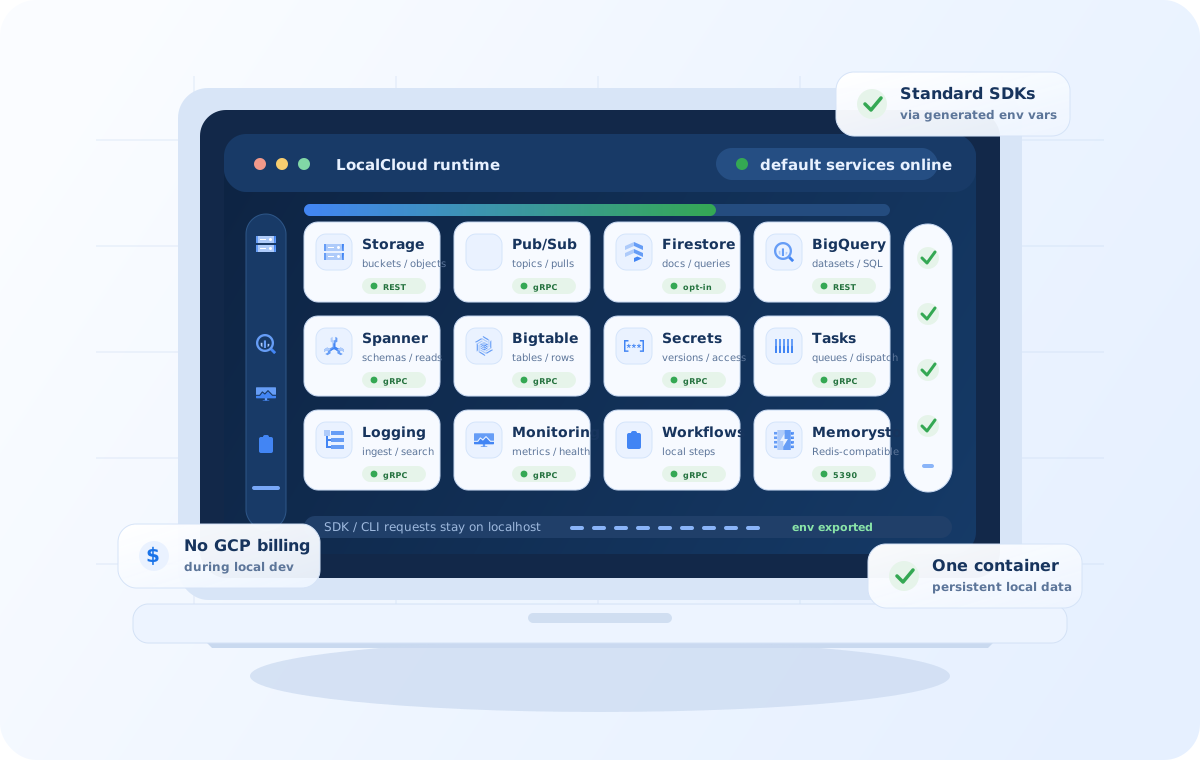
LocalStack emulates AWS and Snowflake, not Google Cloud; teams on both clouds run both. Google ships separate emulators for Bigtable, Datastore, Firestore, Pub/Sub and Spanner through the Google Cloud CLI, and the Firebase Local Emulator Suite for Firebase products. The Google Cloud CLI has no BigQuery or Cloud Storage emulator. Single-service community emulators typically cover one Google Cloud service each, such as BigQuery or Cloud Storage; coverage and fidelity vary by project. LocalCloud runs 25 Google Cloud services, including BigQuery and Cloud Storage, in one Docker container, using Google's Firestore emulator and a Spanner emulator built from Google's open-source emulator.
Sources reviewed .
| LocalCloud | Google emulators (gcloud) | LocalStack | Community emulators | |
|---|---|---|---|---|
| Google Cloud services | 25 Google Cloud services in one Docker container | Five: Bigtable, Datastore, Firestore, Pub/Sub and Spanner, each started on its own | None; LocalStack covers AWS and Snowflake | Typically one Google Cloud service each, such as BigQuery or Cloud Storage |
| BigQuery and Cloud Storage | Both, alongside Pub/Sub, Spanner, Firestore and the rest of the stack | No BigQuery or Cloud Storage emulator | No | Separate projects, one per service |
| Data across restarts | Stored in a named Docker volume that survives restarts | Pub/Sub keeps data for the emulator session; the Spanner emulator keeps data in memory only | Not applicable to Google Cloud | Varies by project |
| License | Proprietary Public Preview License | Google tooling; the Spanner emulator is open source (Apache-2.0) | Proprietary plans; current releases need an account and auth token since March 23, 2026 | Open-source licenses that vary by project |
| Cost and sign-up | Free during the public preview, with no account or license key; open-source projects stay free after it | Installed with the Google Cloud CLI | Free Hobby plan for non-commercial use; paid plans for commercial use | Free |
LocalCloud is free during the public preview for individuals and organizations, including for-profit companies, for development, testing, CI, evaluation and internal pilots. You don't need an account, a payment method or a license key. Open-source projects stay free after the preview ends, and preview releases keep their terms.
Docker. The CLI runs on macOS 13+ on Apple Silicon and Linux with glibc 2.35+ (Ubuntu 22.04 equivalent), and any Docker host can run the agentcloud/localcloud image directly. The CLI gives the container 4 GB of memory by default; the quick start runs it on localhost-only ports.
Your service data stays in a Docker volume on your machine. The runtime sends pseudonymous usage and diagnostic reports; set LOCALCLOUD_TELEMETRY=false in the container's environment to stop them. Tools and jobs you connect can still send data elsewhere.
Yes. Agents get a Google Cloud target on localhost with no credentials or billing project by default, so agent-written code can't create real cloud resources by mistake. Point an agent at the agent guide, or copy the AGENTS.md template into your repository. Agent builders can write to agent@local.cloud.
Every CLI release ships SHA-256 checksums and Sigstore bundles from its GitHub Actions release workflow, and the install script checks the checksum before installing.
The agentcloud/localcloud image carries an SPDX software bill of materials and SLSA build provenance for linux/amd64 and linux/arm64.
Service data lives in a Docker volume on your machine. Usage telemetry is pseudonymous and turns off with LOCALCLOUD_TELEMETRY=false.
Every service lists what runs locally and where its limits are, reviewed October 20, 2026.
Preview releases keep their terms, and open-source projects stay free after the preview ends.
Email info@local.cloud for questions, licensing, privacy or security reports. AI agents and integrations: agent@local.cloud.
curl -fsSLO https://github.com/LocalGCloud/localcloud-cli/releases/download/v0.1.13/SHA256SUMS
curl -fsSLO https://github.com/LocalGCloud/localcloud-cli/releases/download/v0.1.13/SHA256SUMS.sigstore.json
cosign verify-blob SHA256SUMS \
  --bundle SHA256SUMS.sigstore.json \
  --certificate-identity-regexp '^https://github\.com/LocalGCloud/localcloud-cli/\.github/workflows/cli-release\.yml@refs/tags/v' \
--certificate-oidc-issuer https://token.actions.githubusercontent.comdocker buildx imagetools inspect agentcloud/localcloud:latest --format '{{ json .SBOM }}'
docker buildx imagetools inspect agentcloud/localcloud:latest --format '{{ json .Provenance }}'The security page explains each step and how to report a vulnerability.
While analytics is on, search text with 3+ characters is sent to PostHog. Do not enter secrets or personal data. Privacy details.
Type to search across all documentation pages
Try: "bigquery", "configuration", "seed data"